Back to all articles
6 min read

Erase the Keyword List and Map the Questions Instead

A whiteboard method from a Barcamp Boston session: map the real prompts people type into AI assistants and cover the whole topic instead of the keywords.

The Session That Emptied the Keyword Spreadsheet

The session board just said "Kill your keyword list?" with a question mark. By the time it started, people were standing along the back wall. Developers, a few marketers, and one data engineer who said he came "to argue."

The pitch was simple. AI assistants do not match keywords the way old search did. They read a full question, guess what the person needs, and pull from sources that answer the whole thing. A page built around one phrase repeated ten times often loses to a page that answers the next five questions too.

That room had the kind of loose, fast energy you also find in the backrooms of Boston hackathons. Nobody presented slides. We grabbed markers and built the method on the wall in real time.

Why Keywords Lost Their Grip

Think about how you type into a search box. Short and choppy: "best CRM small team." Now think about how you type into an AI chat. You write a full sentence, often with context: "I run a five person design studio and hate Salesforce. What CRM should I try?"

That second version holds more than a keyword. It holds a job, a team size, a pain point, and a past choice. The assistant uses all of it. If your content only covers "best CRM," it has nothing to say to that person.

Dana Whitfield, who led the session, put it plainly: "The keyword is the smallest piece of the question. Stop optimizing the smallest piece."

What Assistants Actually Reward

The group agreed on three things that seem to matter when an assistant picks a source to lean on:

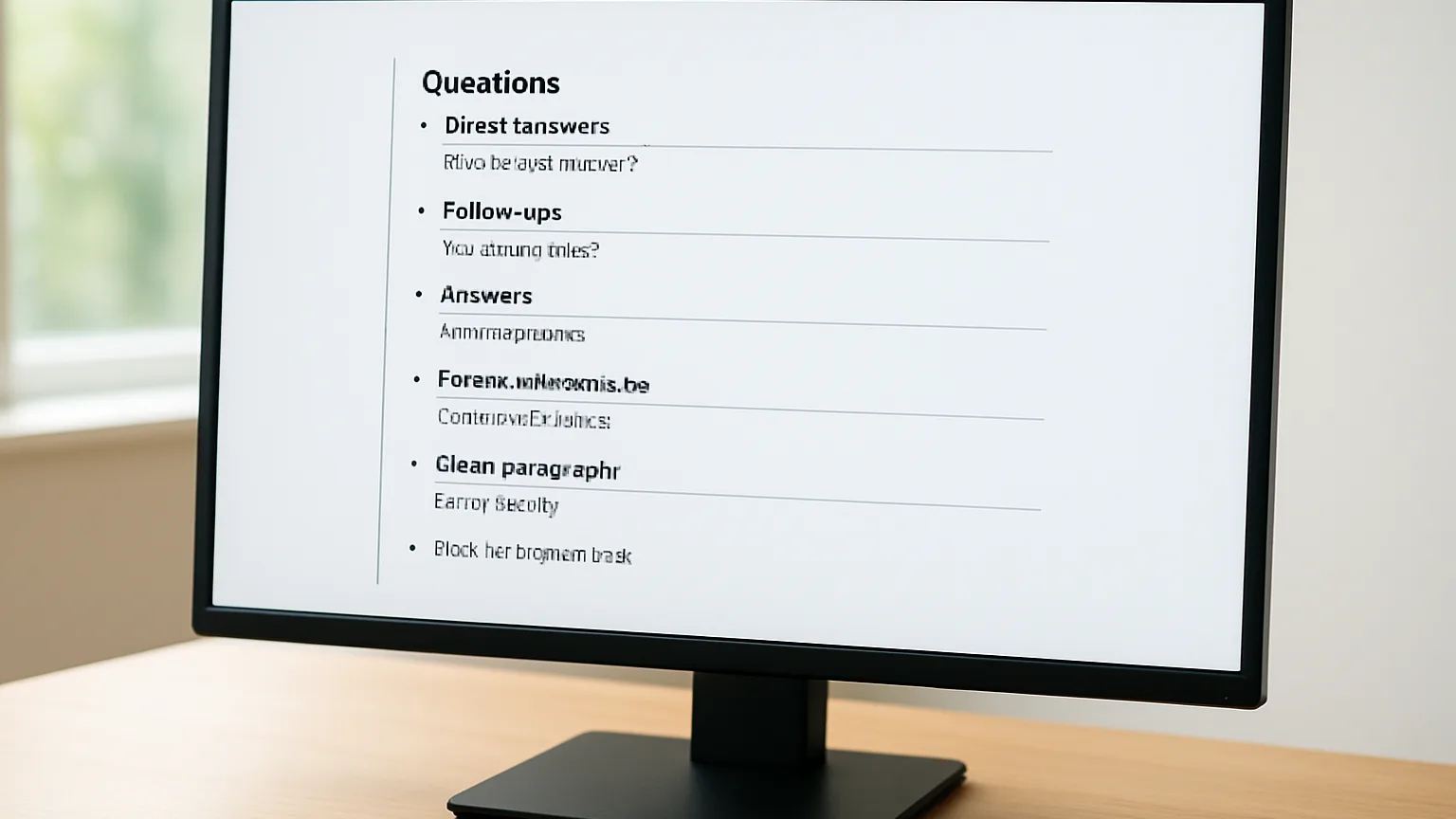
  • Direct answers. A clear reply near the top of a section, not buried after a long warm up.
  • Full coverage. The follow up questions are answered on the same page, so the assistant does not need a second source.
  • Clean structure. Headings that read like questions, short paragraphs, and lists where lists make sense.

Links still help, but structure counts for more than it used to, which is why thinking beyond backlinks was a recurring theme all afternoon.

The Whiteboard Method, One Column at a Time

Here is the method we built. You need a whiteboard, three colors of marker, and about an hour. A shared doc works too, but the wall makes people talk more.

Column One: The Person and the Moment

Do not start with the topic. Start with who is asking and what just happened to them. Write down four or five real situations. For a backup tool, that might be "my laptop died this morning" or "my boss asked if we are protected from ransomware."

Each moment changes the question. Someone in a panic asks very different things than someone doing a calm yearly review.

Column Two: The Prompts They Would Type

Now write the actual sentences each person would type into an assistant. Use their words, not yours. Write them long. Include the messy details people really add.

The trick here is to steal from real sources:

  • Support tickets and sales call notes
  • Questions from your community forum or Slack
  • What people ask you at meetups and conferences, which often sit in an AI search blind spot
  • Your own chat history when you researched the same problem

Aim for twenty to forty prompts. One person in our session filled half the board with prompts pulled from a single week of support emails.

Column Three: The Follow Up Chain

This is where most content falls short. For each prompt, ask "and then what would they ask next?" Write two or three follow ups under it.

If someone asks "how do I restore files from last week," the next questions are often "what if the backup is corrupted" and "how long will this take." A page that answers all three is far more useful than three thin pages.

Column Four: Group Into Topic Clusters

Step back and circle prompts that belong together. Use your second marker color. You will see five or six natural clusters appear. Each cluster becomes one strong page or one guide with clear sections.

Notice that you never wrote a keyword. The phrases people search for will show up on their own, because you used their language.

A Quick Check Before You Write

For each cluster, ask whether a reader could get a full answer without leaving your page. If the answer is no, find the gap and add it to the board. Use the third color for gaps so they stand out.

This also changes how you judge success. Old reports focus on where one phrase lands on page one, but many teams are finding why position dashboards mislead them now that results shift by person, place, and phrasing.

Testing Coverage Without a Rank to Watch

The data engineer finally got his argument in. "Fine," he said, "but how do you know it worked?" Fair question. Without a single rank to watch, you need other signals.

Run Your Own Prompt Tests

Take ten prompts from column two. Ask them in a few different AI assistants once a month. Note whether your brand, product, or page shows up in the answer. Keep a simple sheet with the date, the prompt, and the result.

It is not perfect science. Answers change from day to day. But over a few months you will see a trend, and that trend tells you more than one rank number ever did, especially given how often position dashboards mislead the people watching them.

Watch the Quieter Signals

Several people shared what they track now:

  • Visits from AI tools and chat apps in your analytics referral data
  • Branded searches going up after a new guide goes live
  • Fewer repeat support tickets on topics you covered well
  • Sales calls where people say "I asked an AI and it mentioned you"

Mistakes the Room Had Already Made

The best part of any unconference is hearing what went wrong. A few stories kept coming up.

One team rewrote every heading as a question, even where it made no sense. Their pages read like a quiz. Questions work as headings when a reader would really ask them, not as a blanket rule.

Another team built huge pages that tried to answer everything. They covered so much ground that no single answer was clear. Full coverage means covering one topic well, not every topic at once.

A third group fed messy, outdated product notes into their content process and published confident answers that were wrong. That echoed the clean data delusion that trips up so many AI projects: the input quality decides the output quality, every time.

Erase the List, Keep the Questions

The session ended with the keyword spreadsheet still closed on someone's laptop. Nobody needed it. The wall held real people, real moments, the sentences they type, and the questions that follow. That map shows what to write, how to structure it, and where the gaps are, all without guessing at search volume for a three word phrase.

If you try one thing this week, block an hour, grab a marker, and fill column two with prompts from your support inbox. Group them, find what is missing, and write pages that finish the conversation. Test those prompts monthly, watch the quieter signals, and let rank numbers fade into the background where they belong.

Argue with this in person

Barcamp Boston runs on hallway disagreements and half finished ideas. Pitch a session, grab a slot on the board, and take the conversation further than a comment box ever will.

See the schedule